How to Create a Task
Personal Task
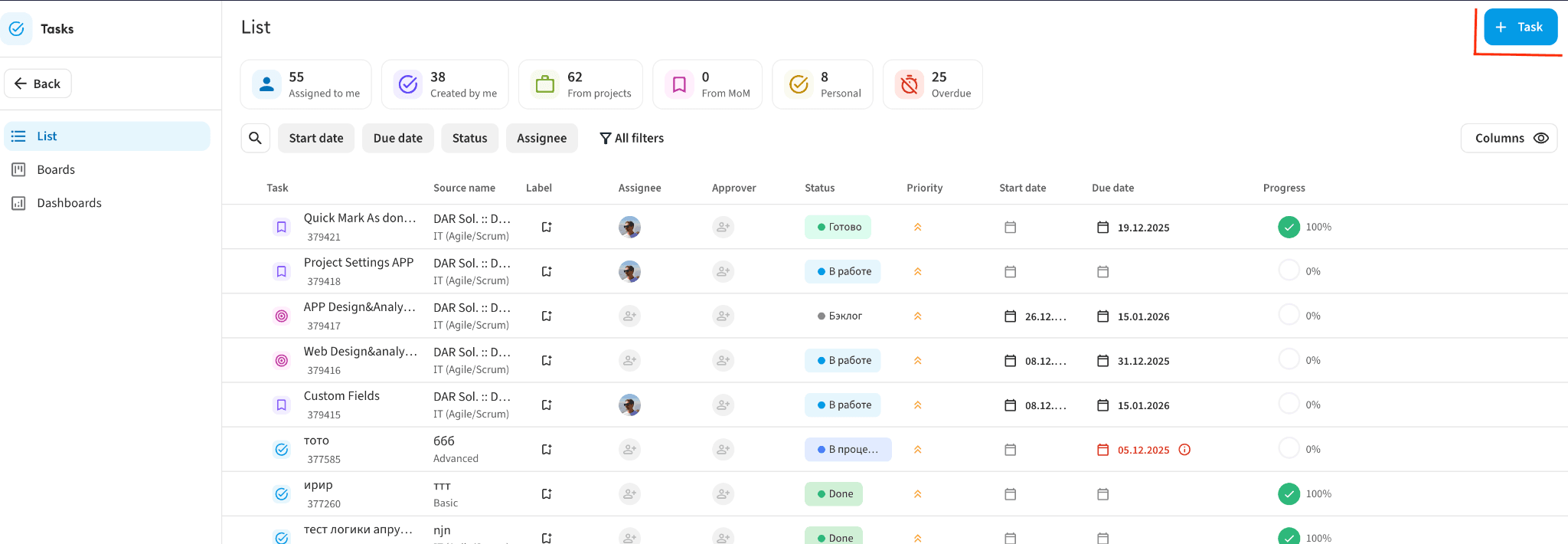
Inside the Tasks module, you can only create personal tasks.
How to do it:
- Click the "+ Task" button in the top right corner.
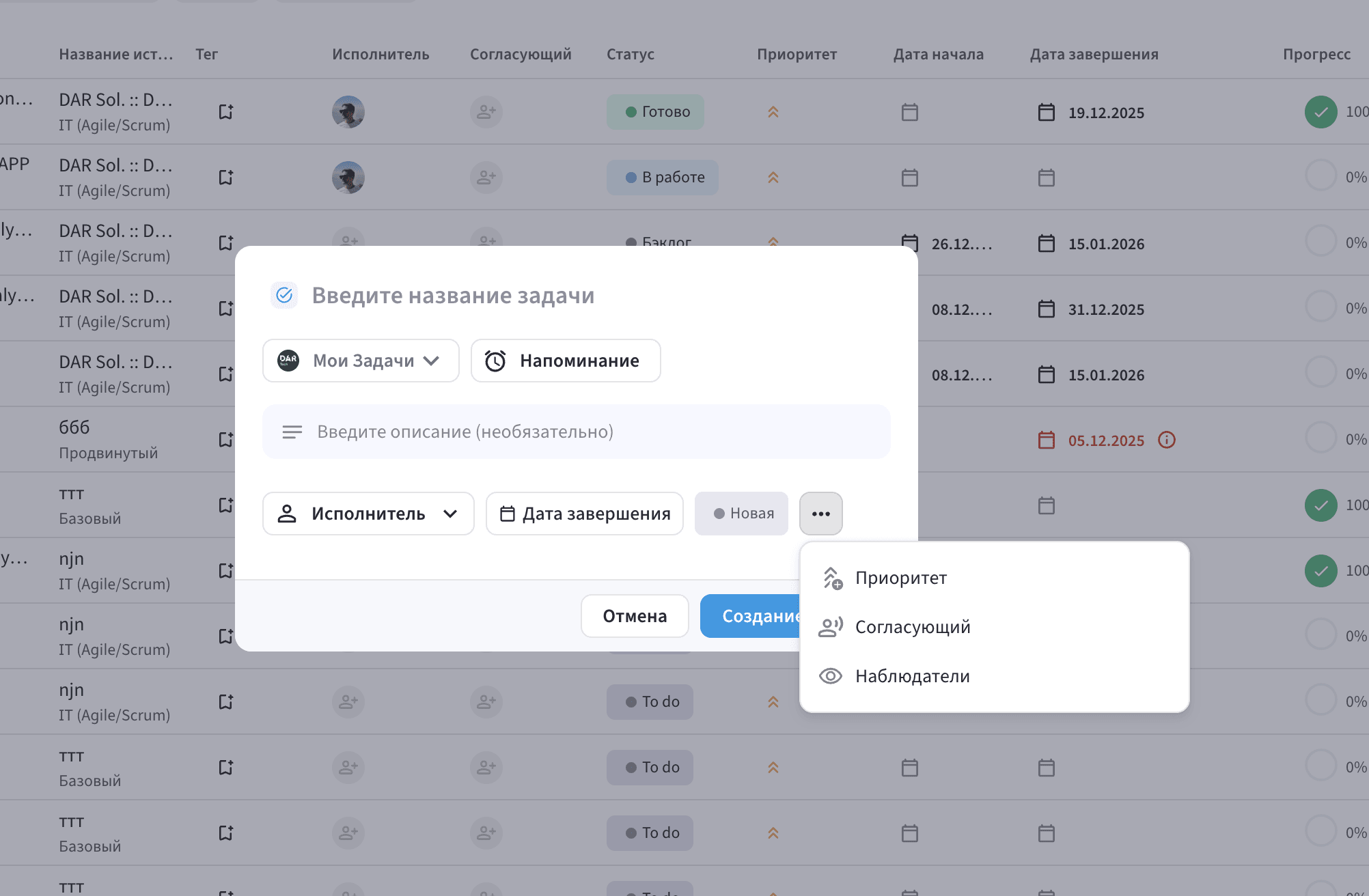
- A modal window for creating a new task will open.
- Select the task type: Personal or Project.
⚠️ Tasks for meeting minutes cannot be created here.
Task Parameters
1. Basic Information
- Task type — select a group from the dropdown list:
- My tasks (personal)
- Projects (tasks in projects)
- Name — required field. Enter a brief task title.
- Description — optional field for additional details.
2. Additional Information
- Status — "In progress" by default; you can select another.
- Priority — Low, Medium, High. Medium by default.
- Assignee:
- for project tasks — only members of the selected project
- for personal tasks — users of the workspace
- Due date — set the completion date. The start date is automatically set to today.
- Approver — assign if needed:
- for project tasks — project members
- for personal tasks — workspace users
3. Creating the Task
- Click "Create task" to save.
- Click "Close" to cancel and close the window.
Task Priorities
Three priority levels are available:
| Priority | Description |
|---|---|
| 🔴 High | Urgent and critically important tasks |
| 🟡 Medium | Standard priority (default) |
| 🟢 Low | Tasks without strict deadlines |